
We print thousands of cards a year. We've seen it all.
Your Christmas card is a little piece of your family on someone's fridge all season. Avoid these three common mistakes and you'll send a card people actually want to keep.
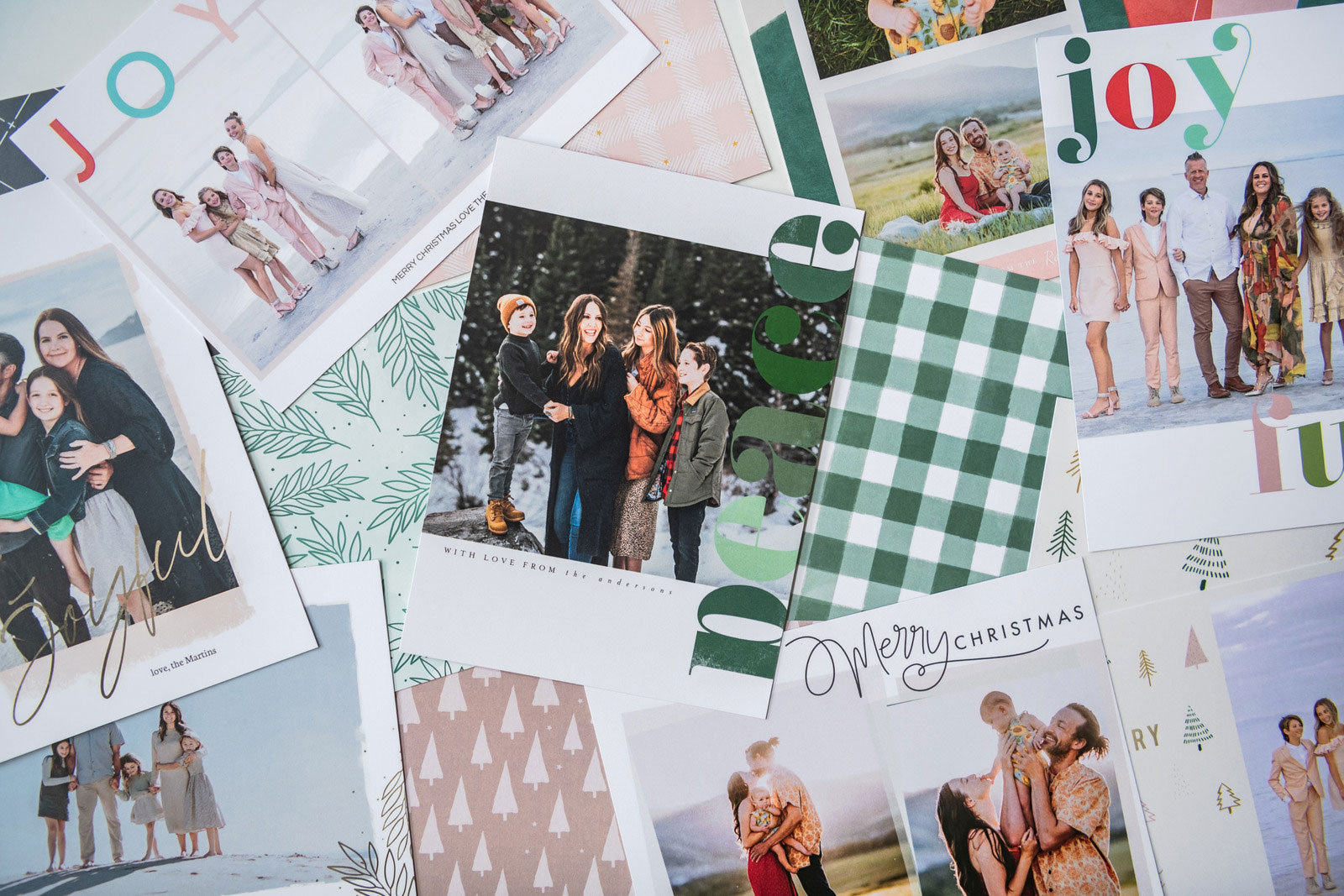
Christmas cards are one of the easiest ways to connect with people you can't see in person this season. Here's what we catch most often at the lab, and exactly how to fix it.
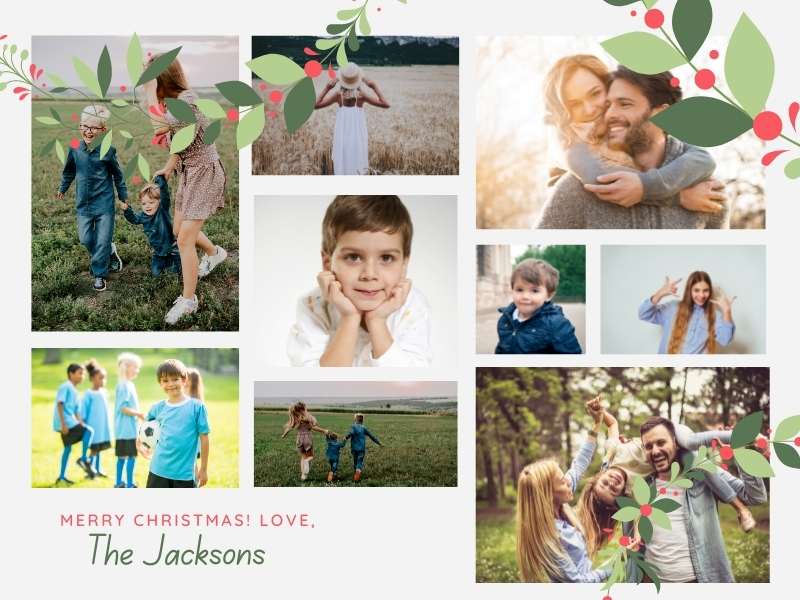
When it comes to card design, less is more. Cramming in every photo from the year turns your card into visual chaos, and nothing stands out.
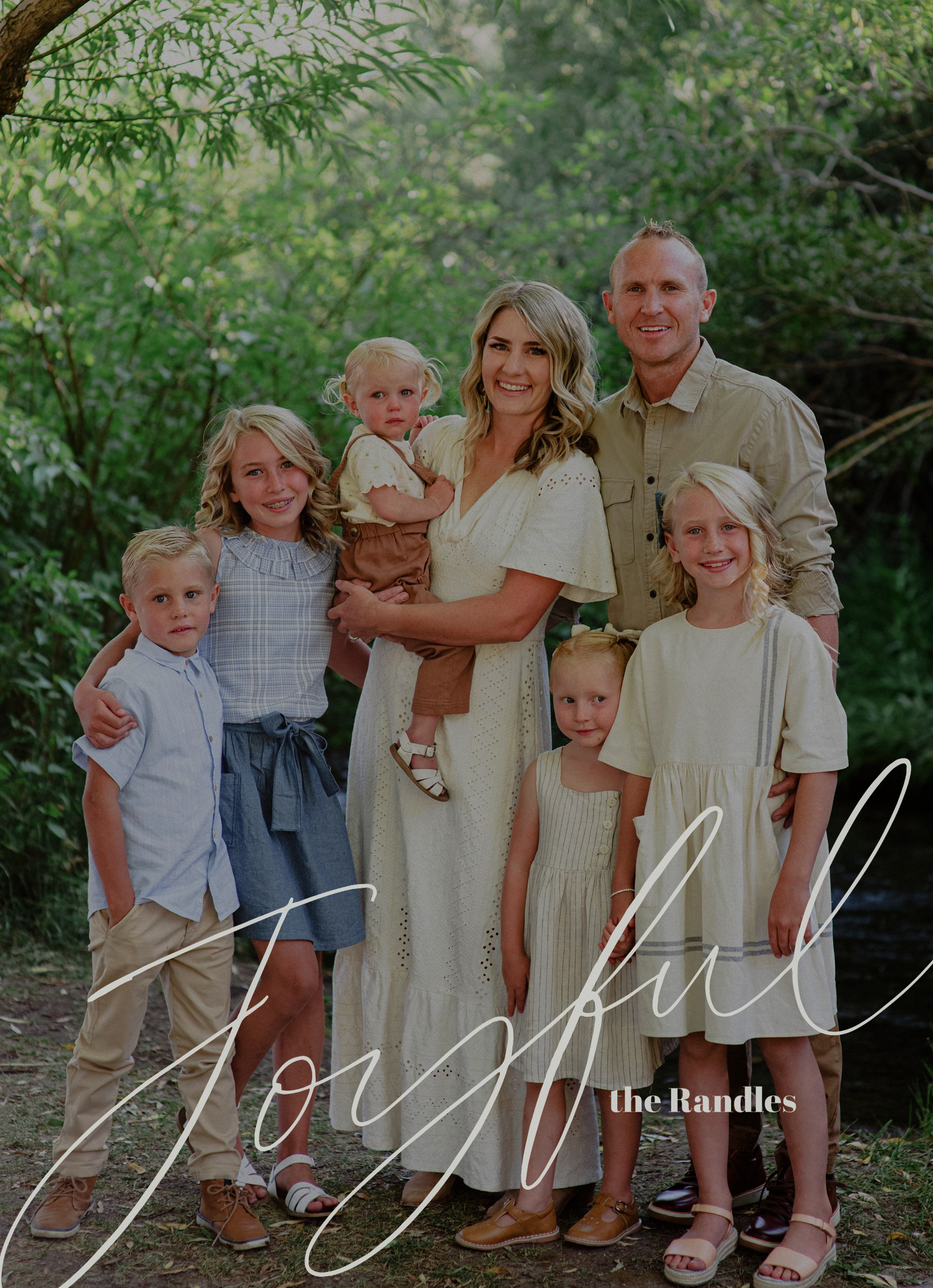
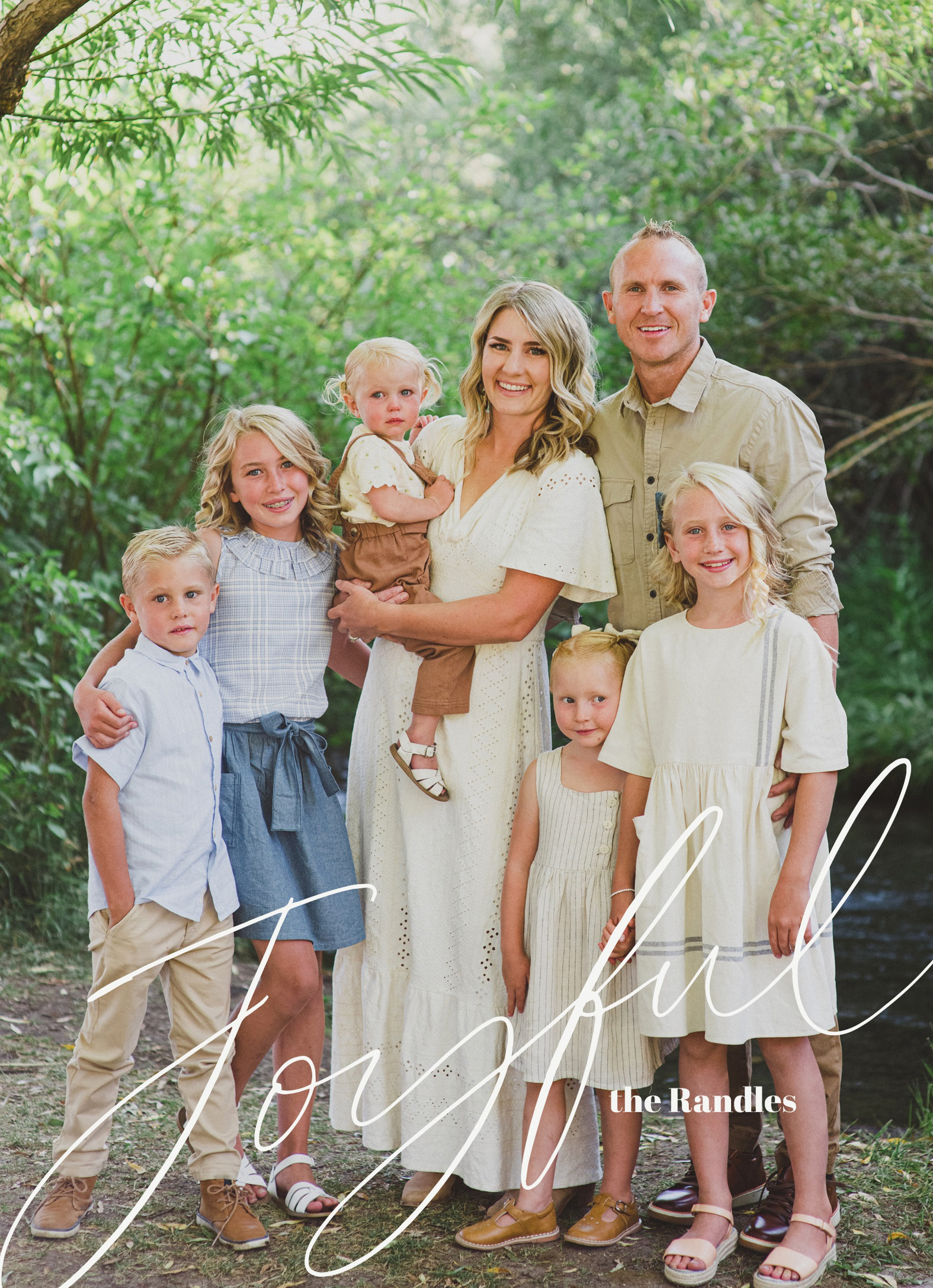
Lighten your photos! Your screen is backlit, but paper isn't. Cards printed on textured cardstock with a CMYK color profile will always look a little darker than they do on your phone.
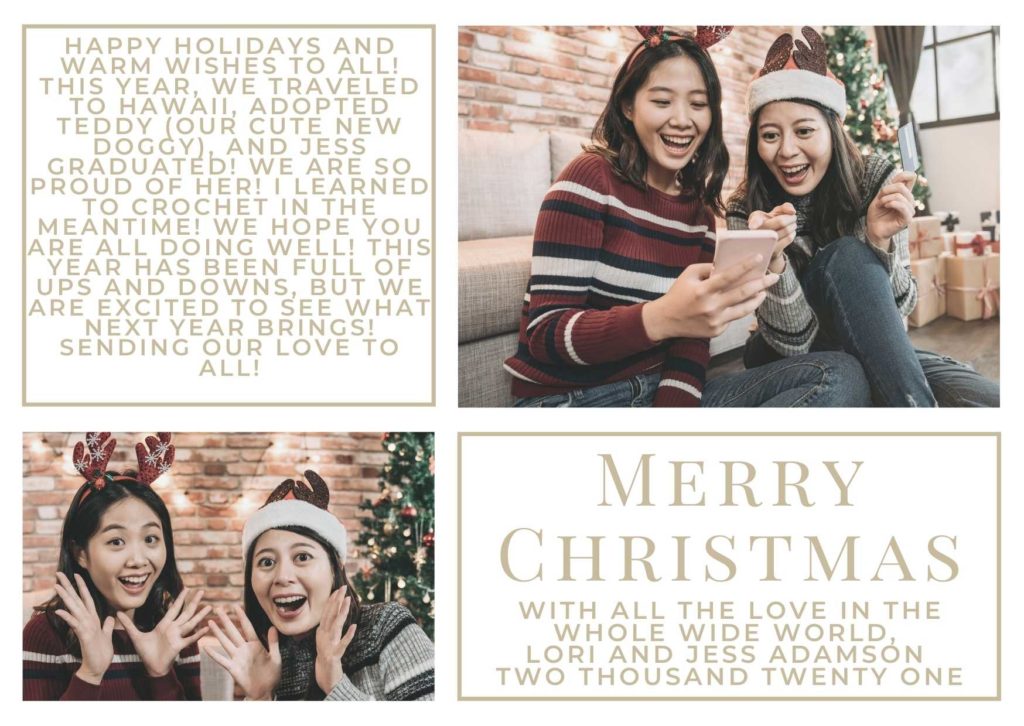
Keep your message short and sweet. The more you write, the smaller the text gets, and nobody wants to squint at a Christmas card. Save the full family update for somewhere else.
Want your card on the fridge by December? Here's the stress-free schedule our team swears by.
Book your session or snap your own. Give your photographer about 2 weeks to edit, and start gathering addresses.
Collect new addresses now, before the holiday rush makes everyone harder to reach.
Design and order your cards. Grab an extra pack for the people you forgot, because there's always someone.
Address, stamp and send. Then check the biggest holiday task off your list.
Your family lands on fridges and mantels with the whole season left to enjoy it.
Running behind? Utah locals can also pick up free in Orem.
Time-saver: add your return address to your envelopes at checkout, and double-check it before you submit.
We have so many designs to choose from, all printed on our thick, recycled matte cardstock. Upgrade to premium Linen, Watercolor or Pearl paper for an extra-special touch.
Skip the hand cramp. Get your return address printed right on the envelopes so your cards are ready to mail.
Shop EnvelopesUpload from your camera roll and design your card from the couch. Here's our step-by-step guide.
See How It WorksScreens are backlit, and paper isn't. Cards printed on textured cardstock with a CMYK color profile always look a bit darker than they do on your phone or computer, so brighten your photos slightly before you upload.
Use original, high-resolution photos, ideally 300 dpi at the printed size. Don't stretch small photos to fill a space. Our ordering site will warn you if a photo's resolution is too low.
Bleed is the outer 0.25″ of your card that may be trimmed off during cutting. Keep important text and faces away from the edges. Learn more about bleed.
Our cards are sold in packs of 15, with envelopes included.
Early November is ideal. For Christmas delivery, order by December 8 with Standard Shipping, December 11 with Priority Shipping, or December 18 with Expedited Shipping. Utah customers can pick up free in Orem.
We love seeing your cards on the fridge! Tag @persnicketyprints when you share your holiday memories.